How can I put my local shop or business online with StoreAO?
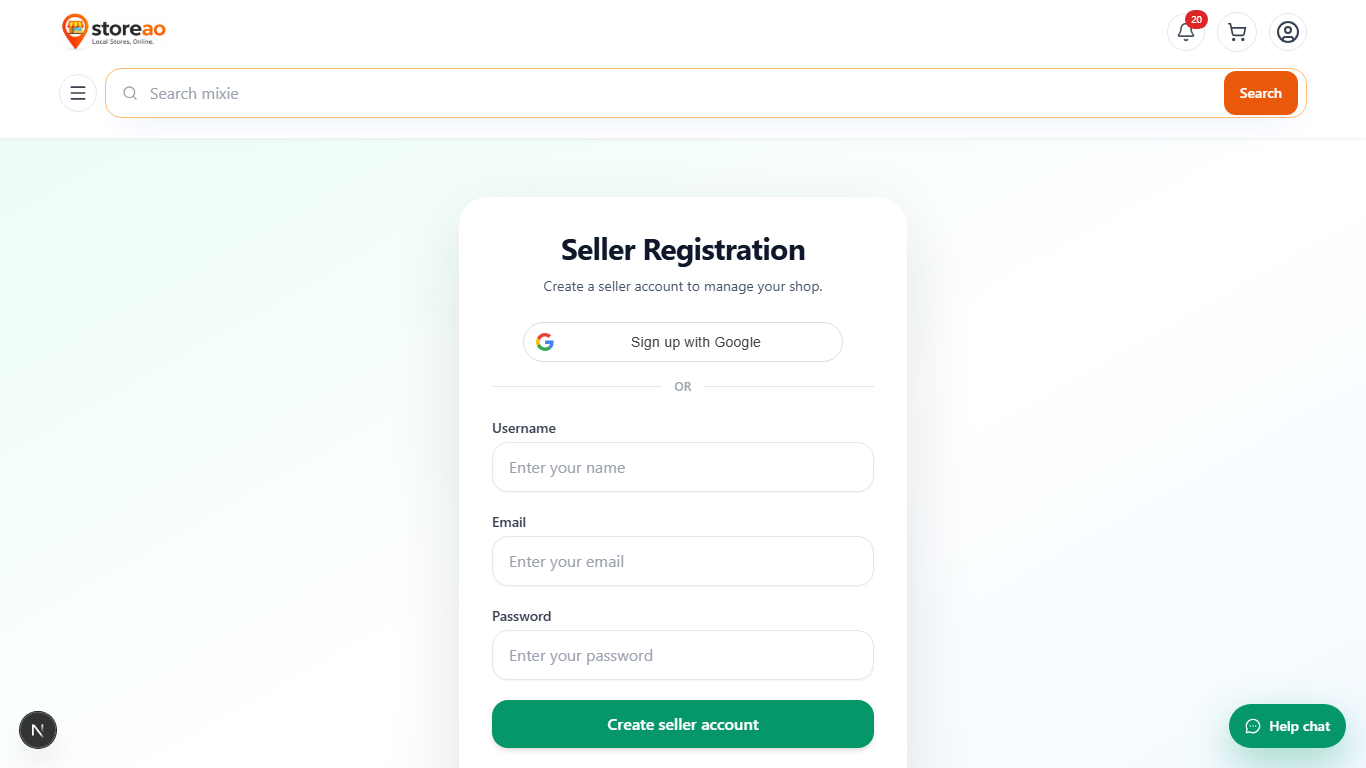
Create a shop-owner account, choose the correct business type, add your business identity and contact details, then publish products or custom-order information from the dashboard. Your StoreAO shop and product links can be shared with customers.
Can a custom-size or made-to-order business create a StoreAO page without fixed products?
Yes. Select Physical shop offering custom-made orders and add a customer-facing heading plus instructions about size, design, quantity, quotation, and completion time.
Can WhatsApp, Instagram, or YouTube sellers use StoreAO?
Yes. Select Online/social seller to create a public page, publish product images and prices, and share product links. Online-only sellers are not presented as nearby physical shops or verified local-delivery stores.
Where can I change my StoreAO business type and ordering message?
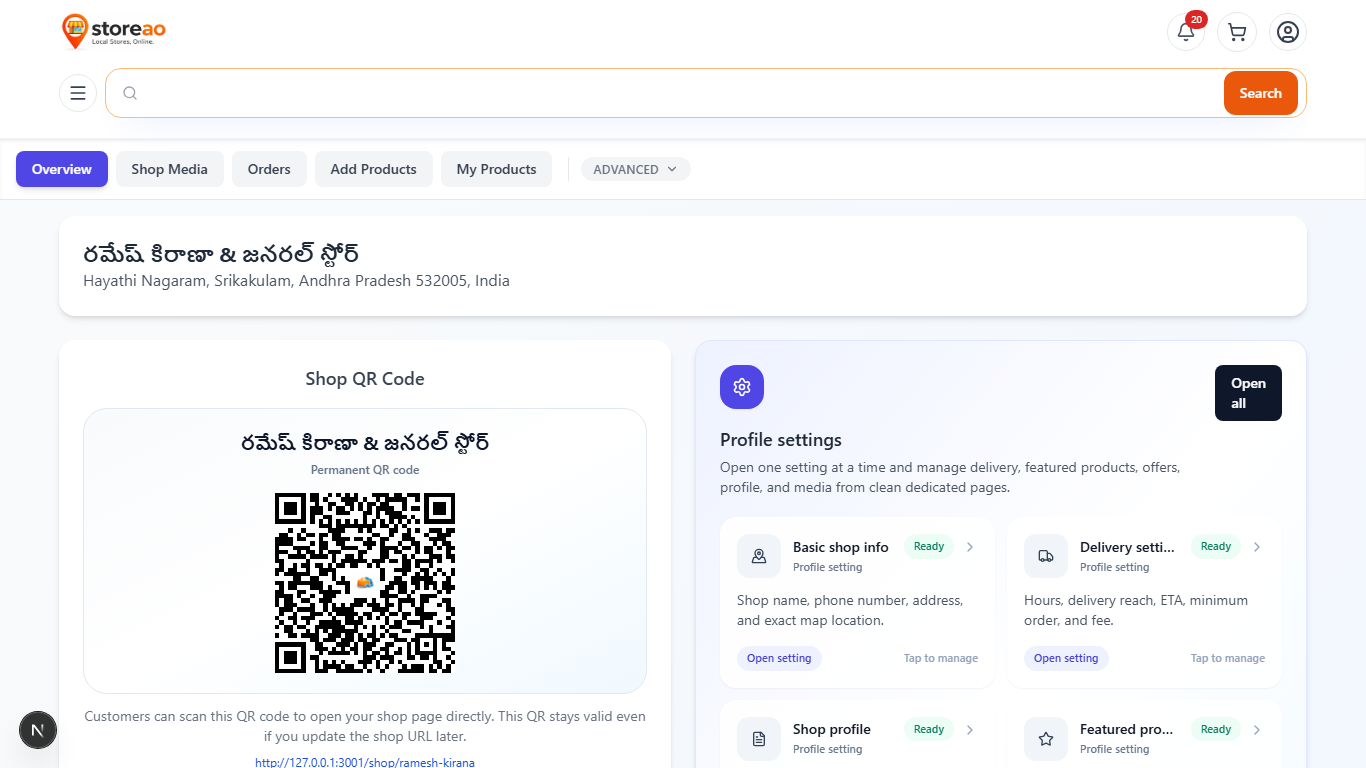
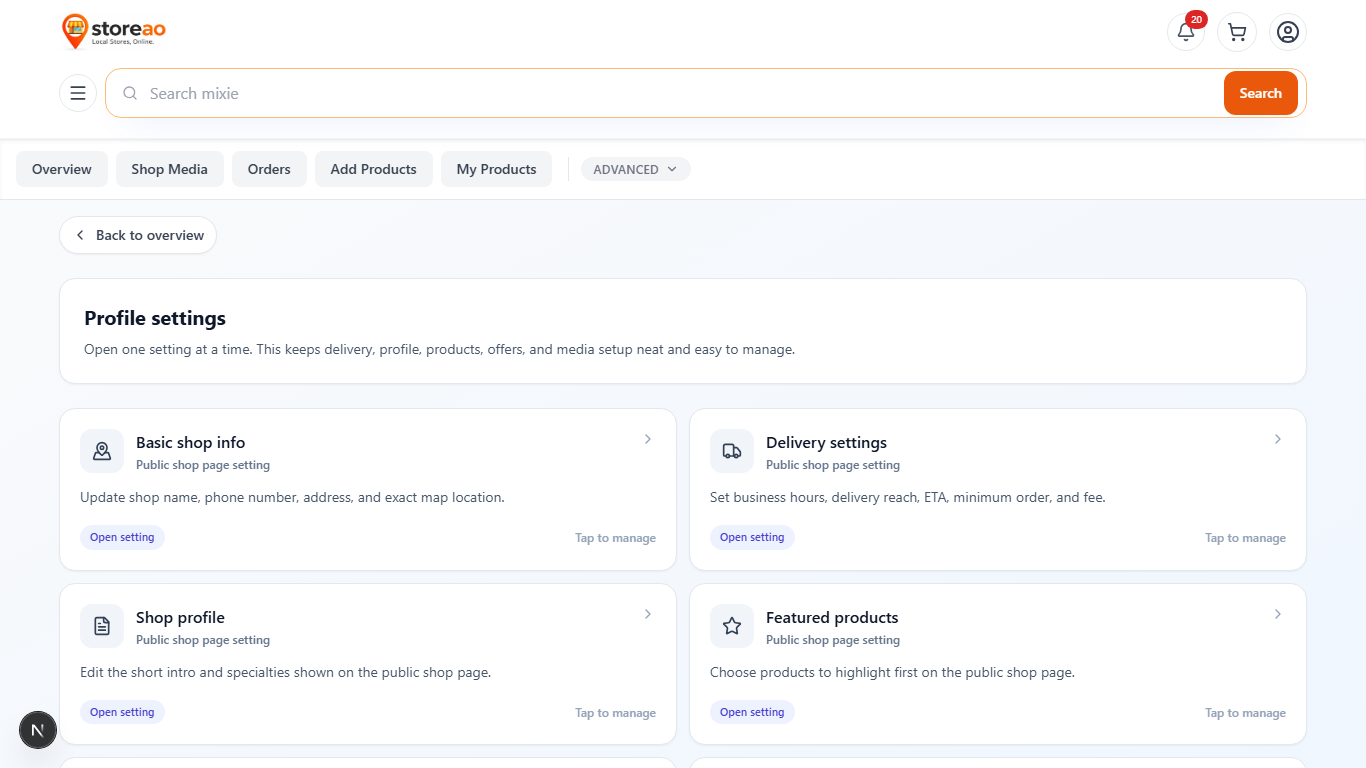
Open Dashboard, Profile Settings, then Shop Profile. Shop owners and authorized admins can update the business type, customer-facing heading, ordering note, description, and specialties.
How can I add a local product that is missing from the StoreAO master catalog?
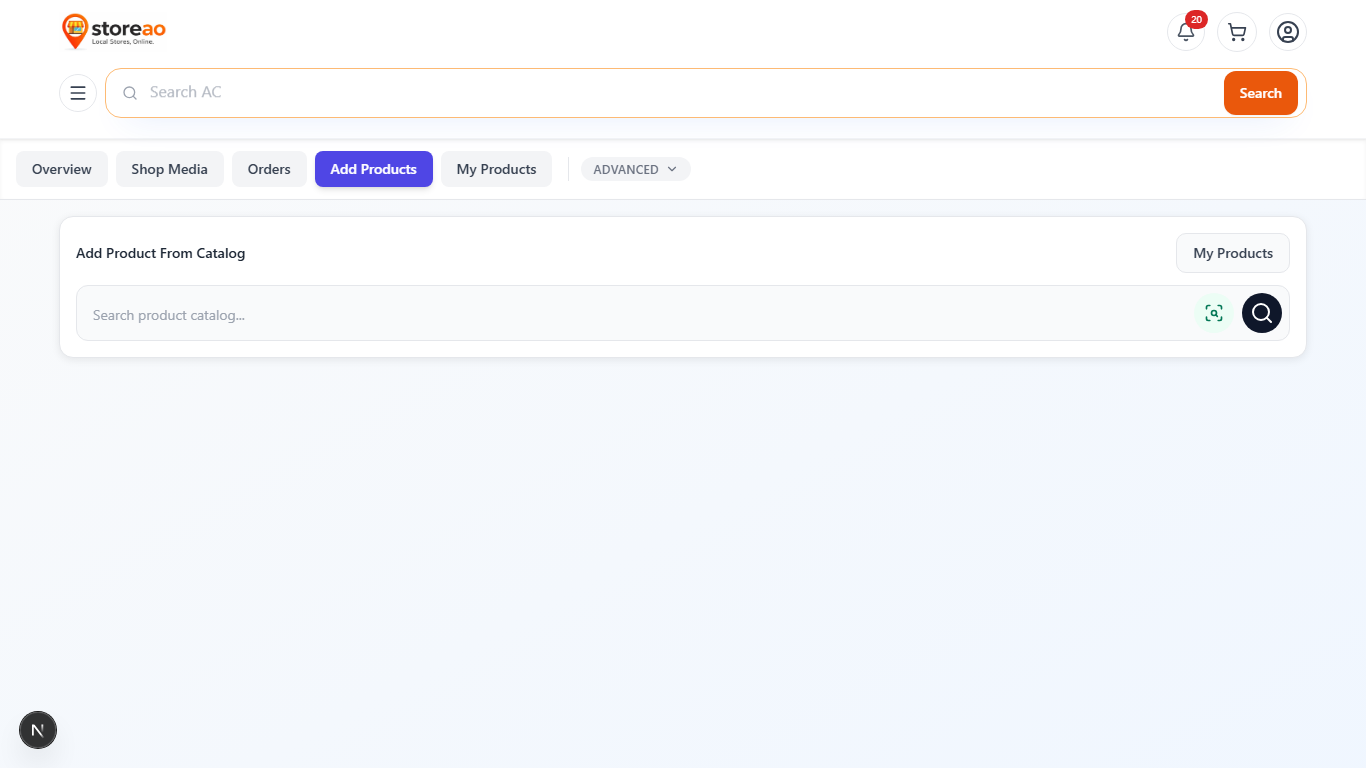
Open Dashboard, Products, then Add Product with AI. Upload four to six clear product views, generate the draft, review the product information, enter your selling price and stock, and save. StoreAO checks strong identifiers before creating a new master product.
Will adding a product from photos create a duplicate master product?
StoreAO checks exact validated barcode, brand and labelled model number, photo-evidence fingerprint, and exact normalized brand and title. A strong match reuses the existing master product. Similarity-only results are not automatically merged.